Back

Flagship

Calwyn

An AI companion for your job search. It finds roles that suit you, then helps with each application and the interview that follows. It's live, with real people using it, and I've been building it in one shape or another for about three years.

Role
Founder · design and build
Year
2023 – now
Status
Live, with real users
Visit Calwyn

Start from any job page.

Type calwyn.app/ in front of the job page’s address. Calwyn opens the job and asks if it’s the right one.

calwyn.app/https://jobs.example.com/kestrel-pay/junior-data-analyst
SearchHomeMy NetworkJobsMessagingNotifications
Kestrel Pay
Junior Data Analyst

London, England, United Kingdom · 1 week ago · 48 applicants

HybridFull-time
ApplySave
About the job

Kestrel Pay helps small shops take card payments. You’ll write SQL queries, maintain weekly reports and explain changes in the data to the product and sales teams.

Core skills: SQL, Python, Excel and clear reporting.

Preferred: Tableau or Power BI, and familiarity with A/B tests.

01

Where it started

About three years ago I started building a small editor for turning a résumé into a portfolio page. I rebuilt it more times than I can count. That became HireRank, and HireRank became Calwyn.
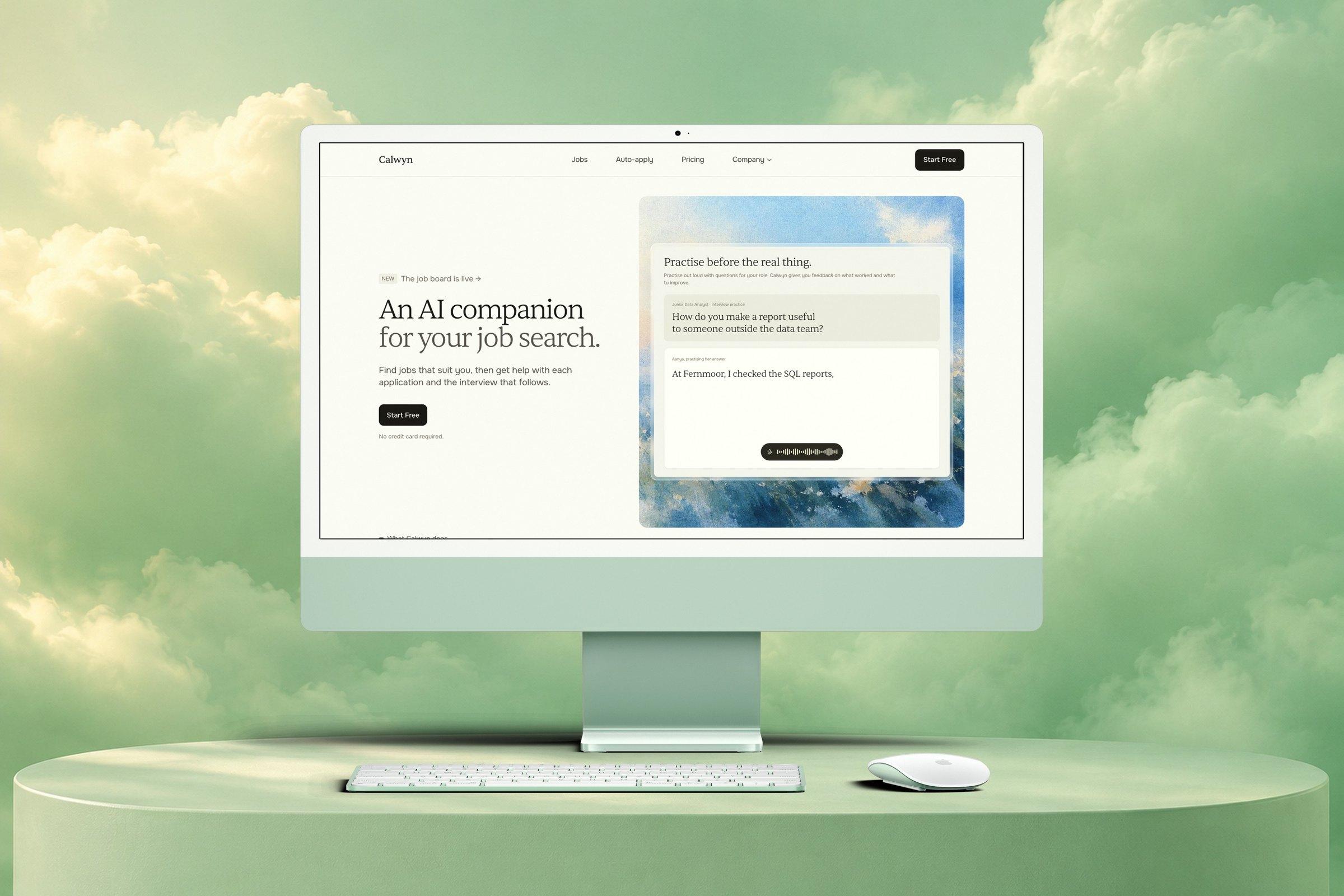
A sage iMac on a pale plinth among soft green clouds, Calwyn's homepage on screen
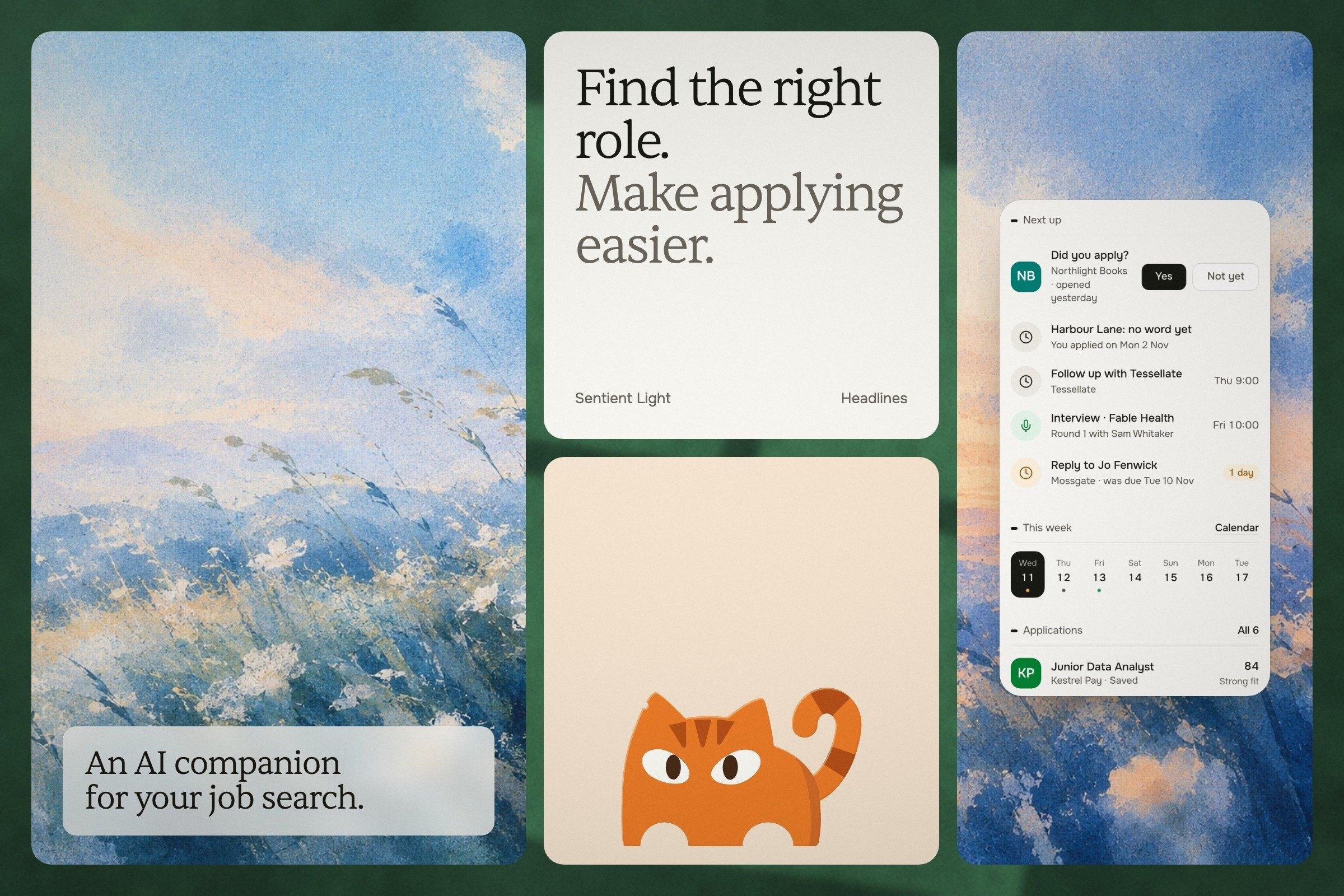
Bento: a painted sky, a Sentient headline, Billu the cat and the app's home screen on a phone
02

Roles that suit you

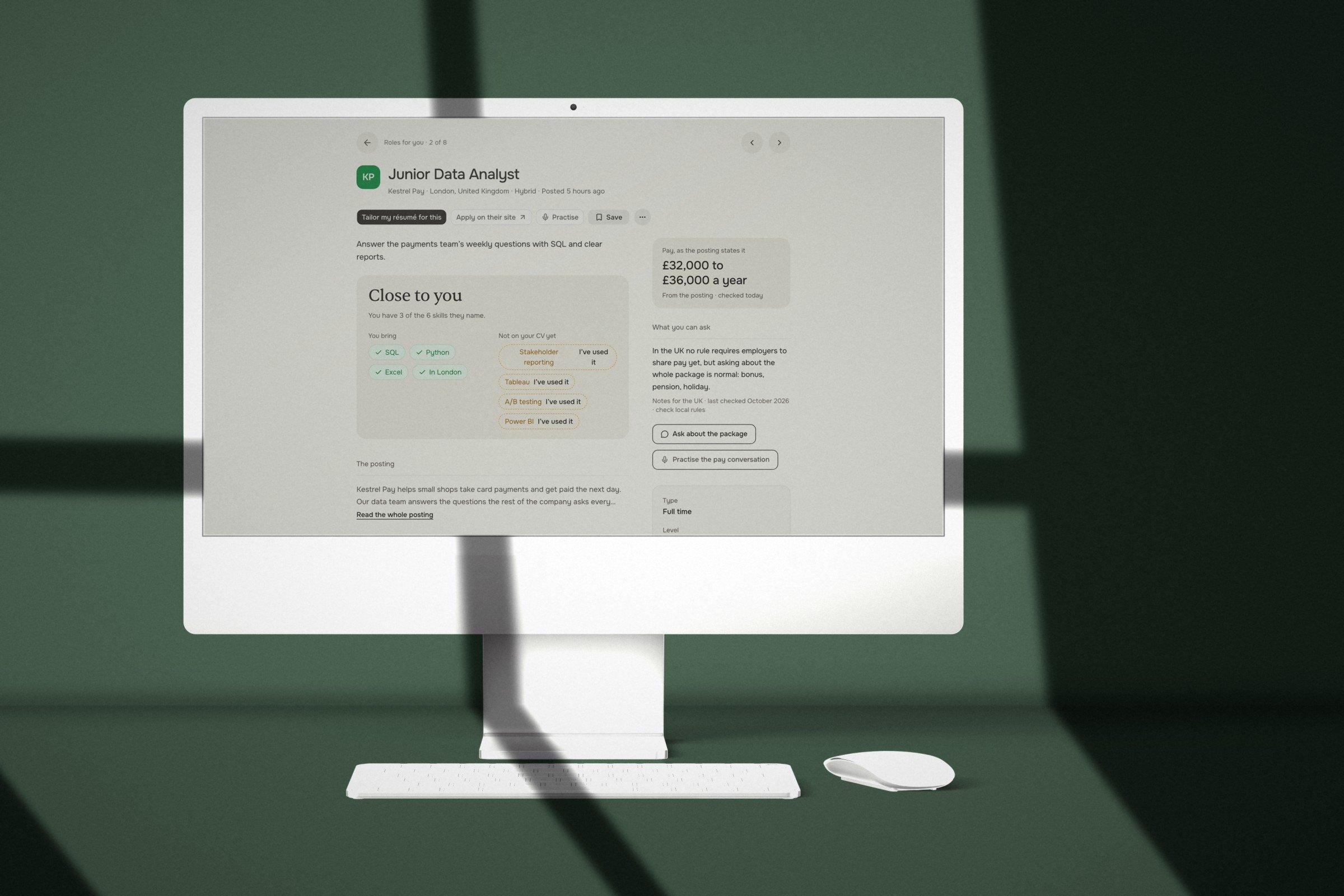
Calwyn reads more than 50 hiring sources twice a day, across India, the US and Europe. For every role it tells you in plain words how your experience lines up, so you're not opening ten careers pages each morning.
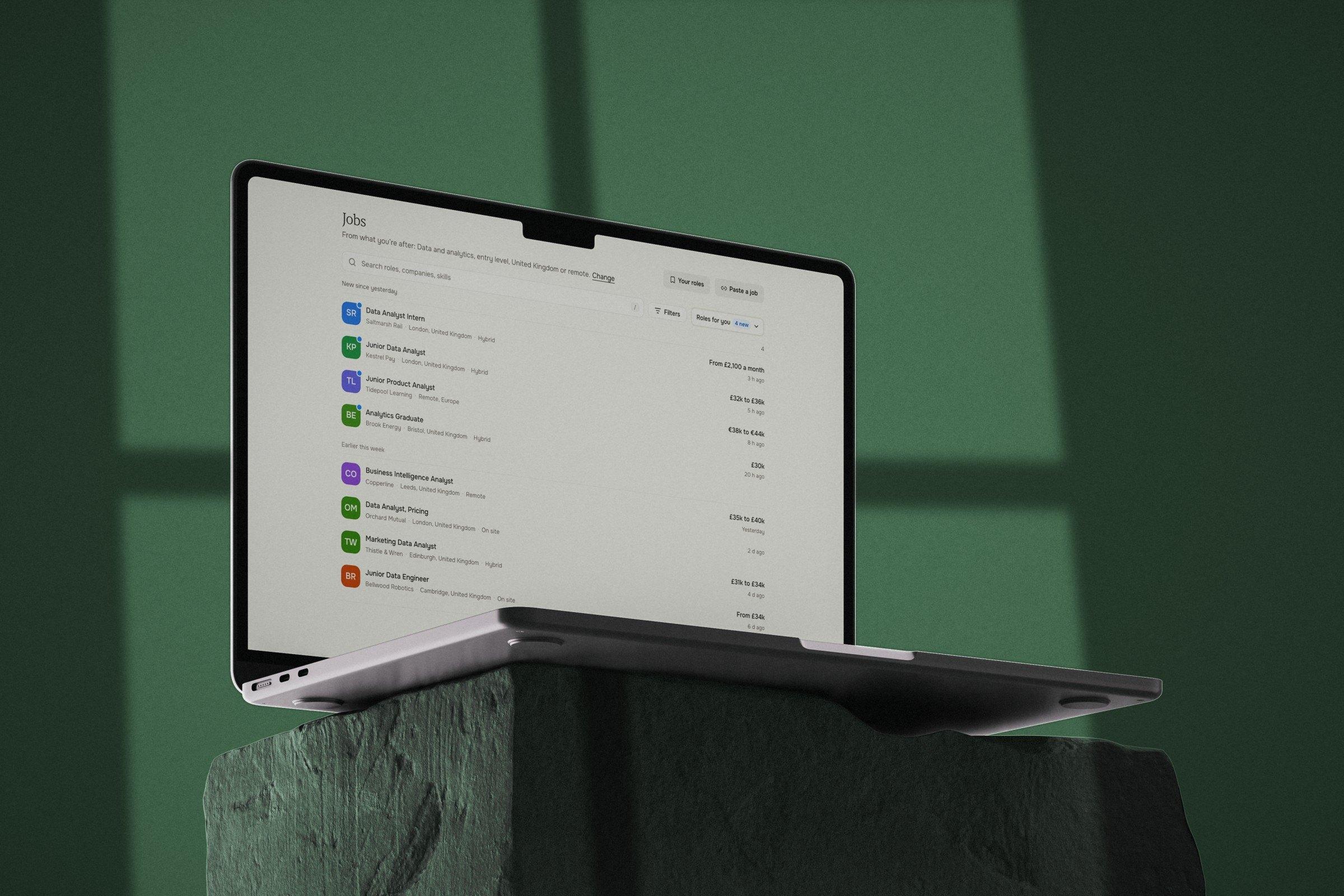
The job board on a MacBook Air tilted on a mossy green plinth, a list of entry-level data analyst roles on screen
A silver iMac on a green set with window shadows, a Junior Data Analyst role open with its "Close to you" skills card
03

A résumé for every job

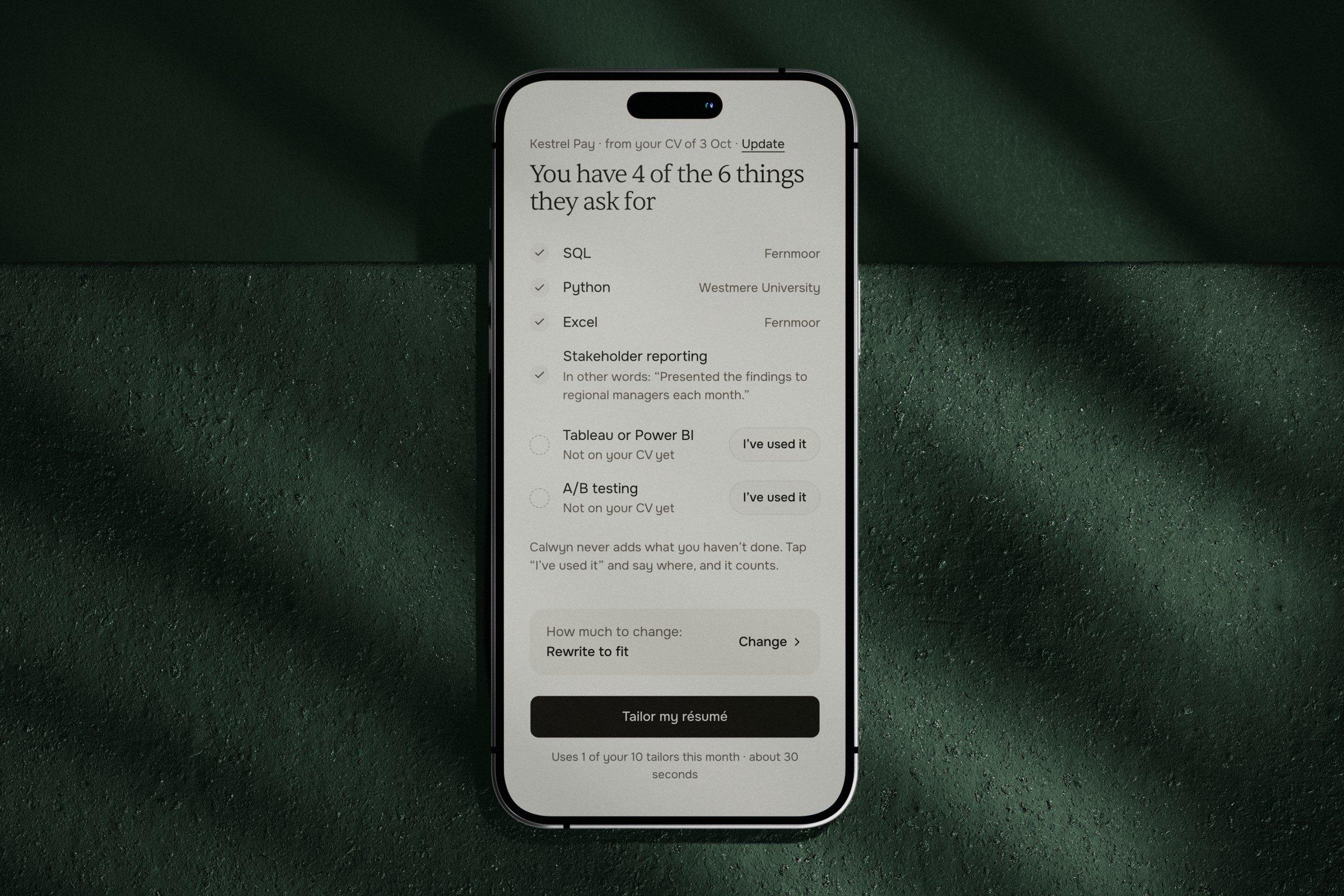
Pick a role and Calwyn reshapes your résumé around what it asks for, using only what's already on your CV. Every edit is marked, and you can undo any of them. It won't claim something you haven't done.
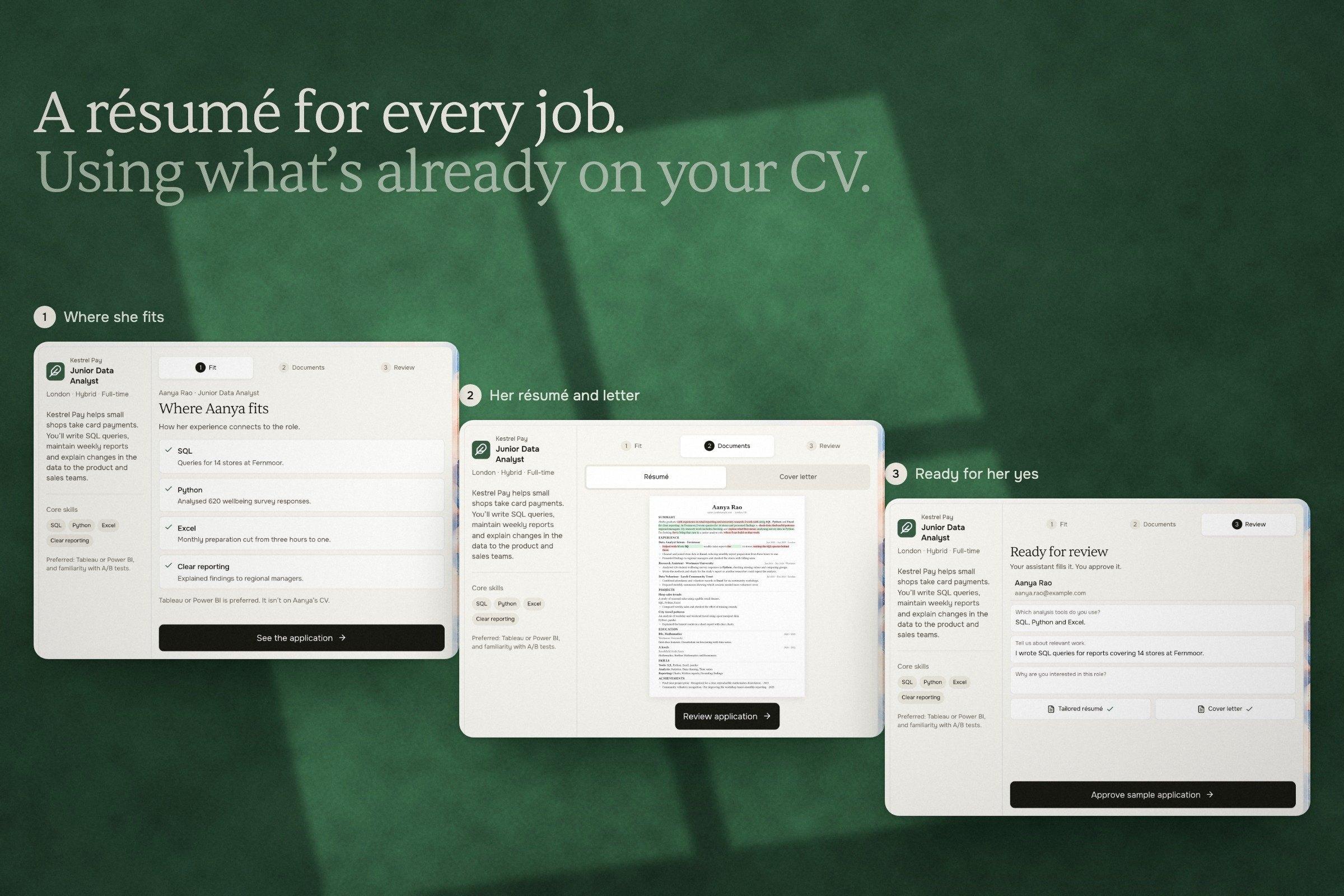
A résumé for every job: three steps of an application, where she fits, her résumé and letter, ready for her yes
An iPhone lying on dark green stone, the "You have 4 of the 6 things they ask for" screen with the Tailor my résumé button
04

A cover letter that makes your case

It writes a first draft from your CV and your reasons for wanting the job. You change the words and the tone until it sounds like you.
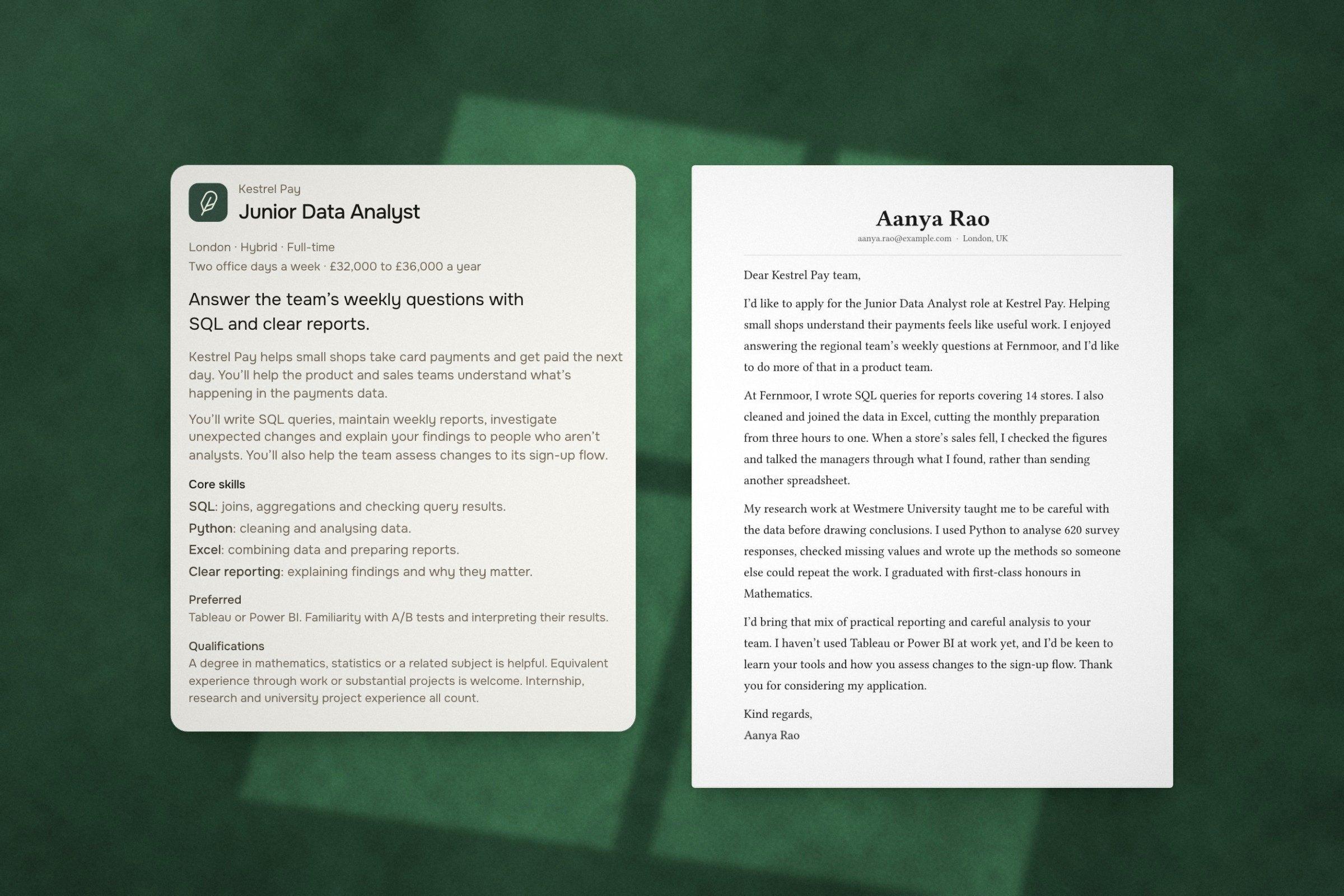
The job post for Junior Data Analyst and Aanya's cover letter side by side over a soft green background
05

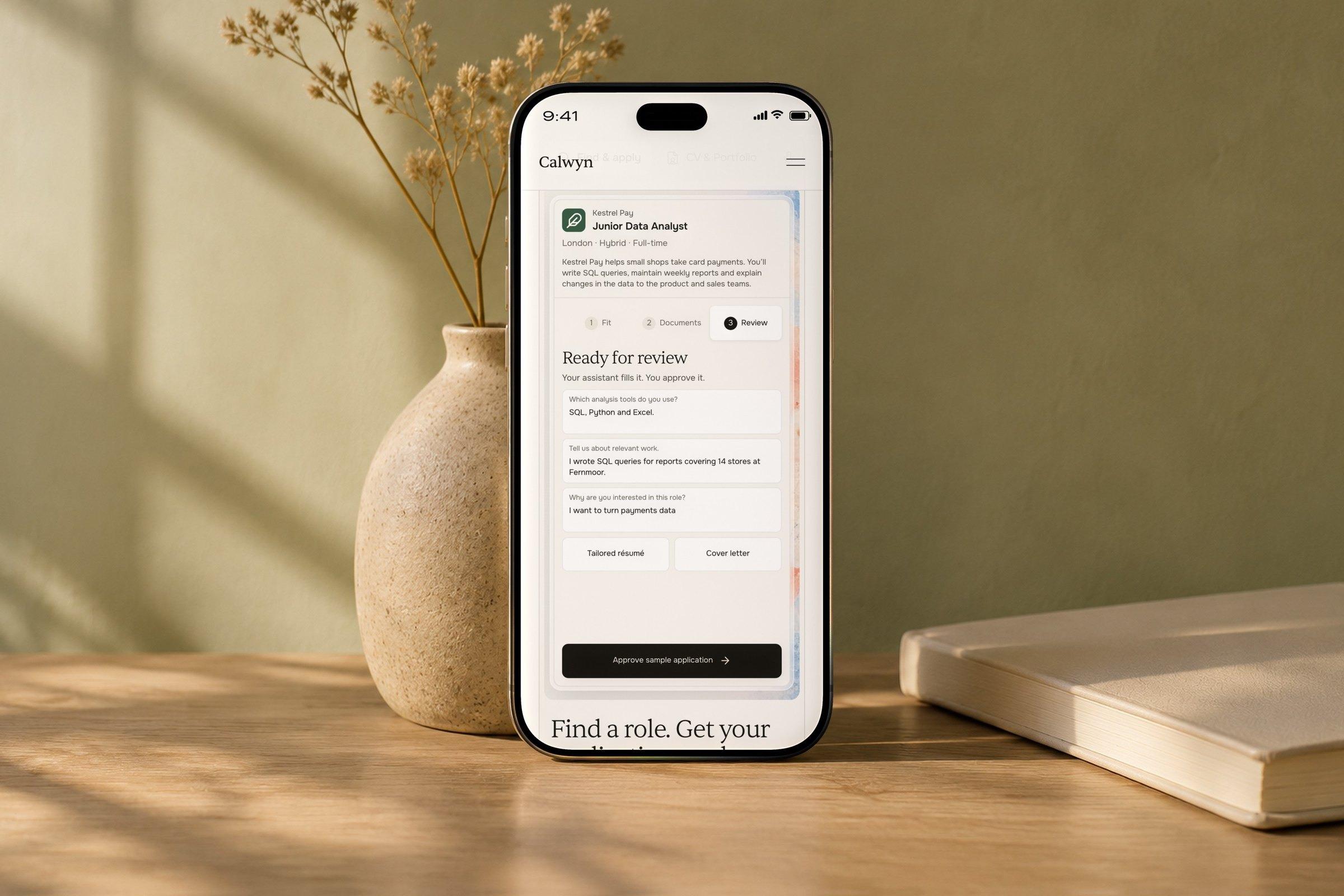
Let your assistant apply

If you already use an AI assistant like Claude, it can connect to Calwyn and fill in applications from your CV. It stops before sending and waits. Nothing goes out without your yes.
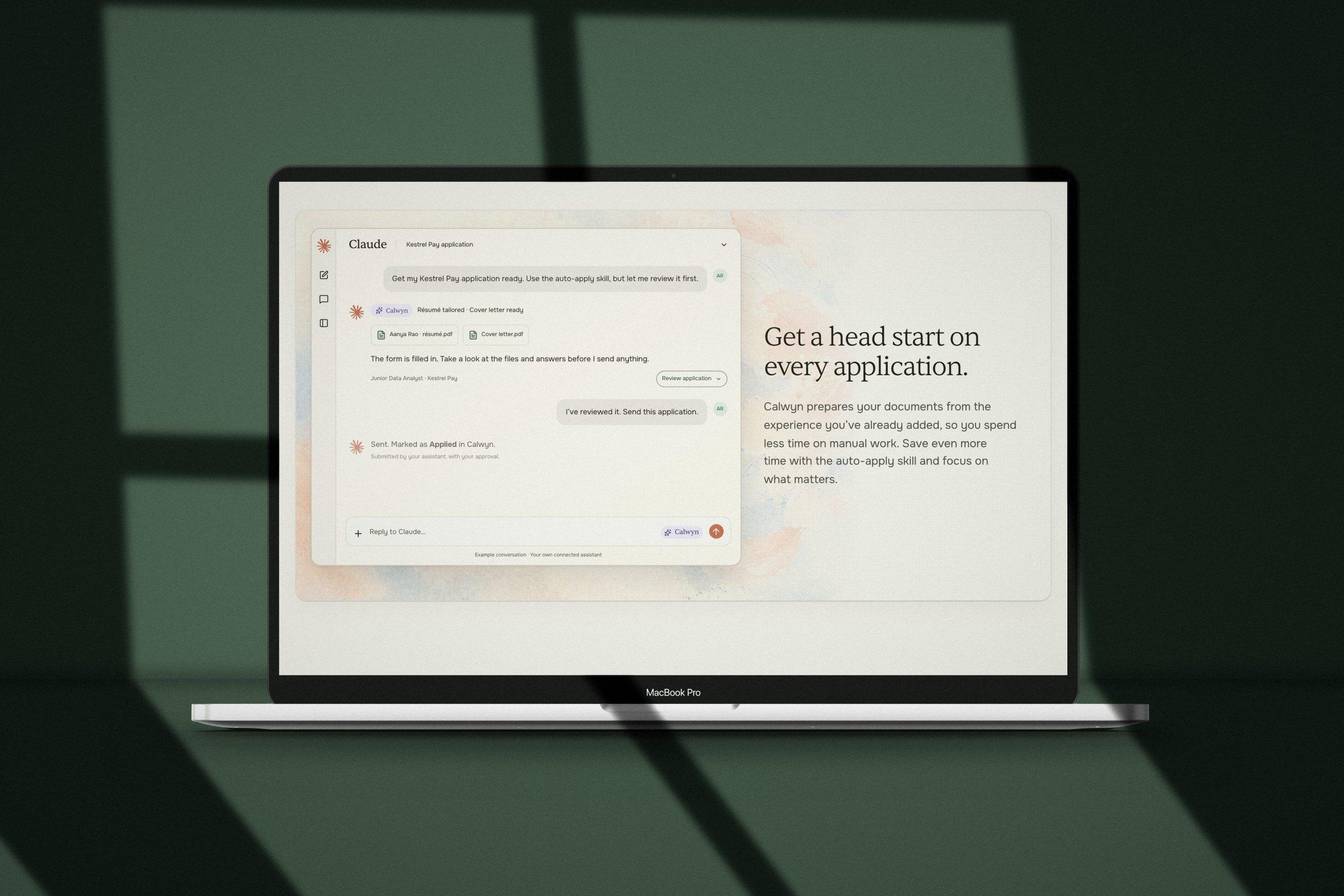
A MacBook Pro on a green set with window shadows, the Claude conversation sending the Kestrel Pay application on screen
The approval step on an iPhone standing on an oak desk, leaning on a stoneware vase
06

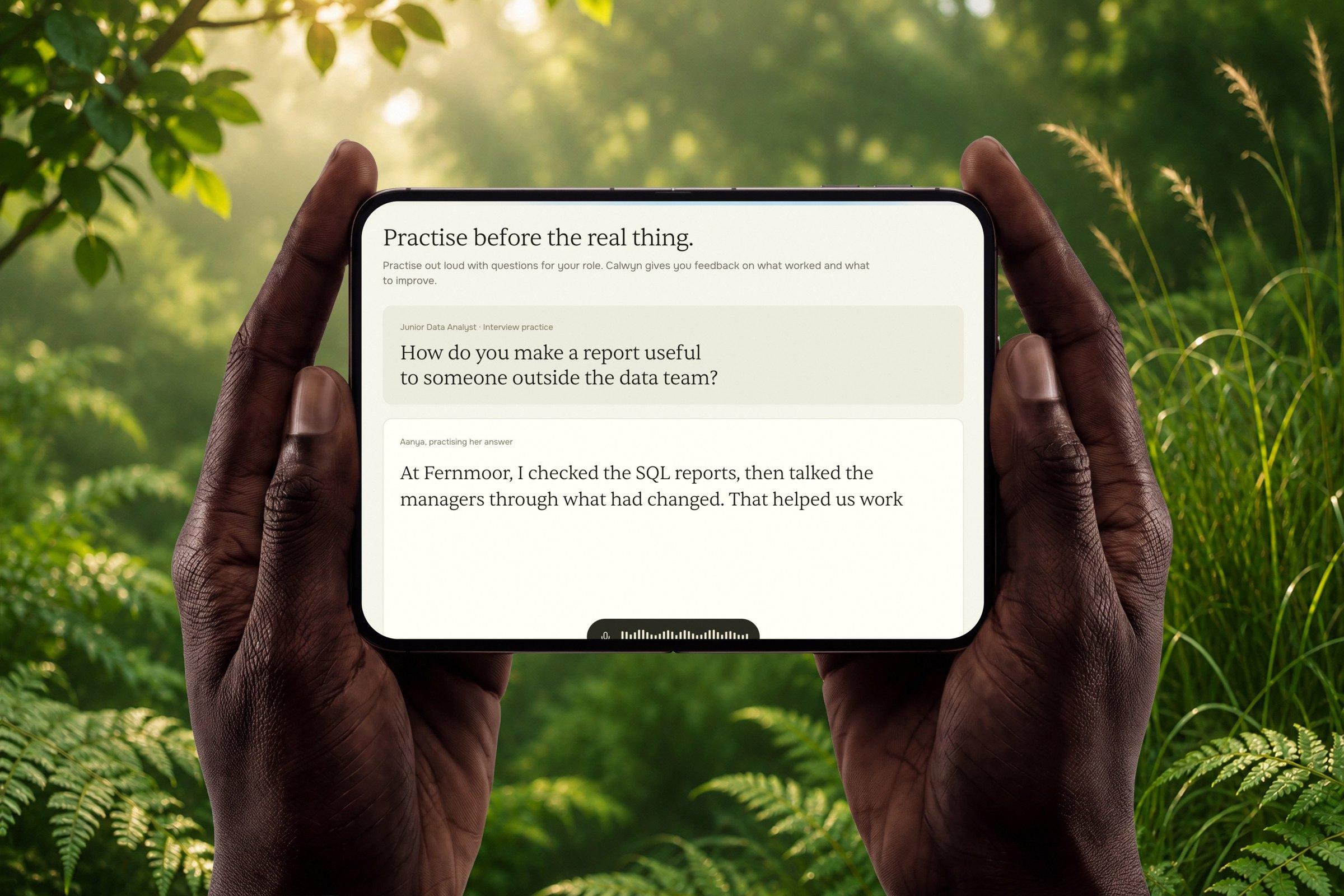
Practise before the real thing

Practise out loud with questions written for the role you applied to. Calwyn tells you what worked and what to tighten, usually the one specific example that makes an answer believable.
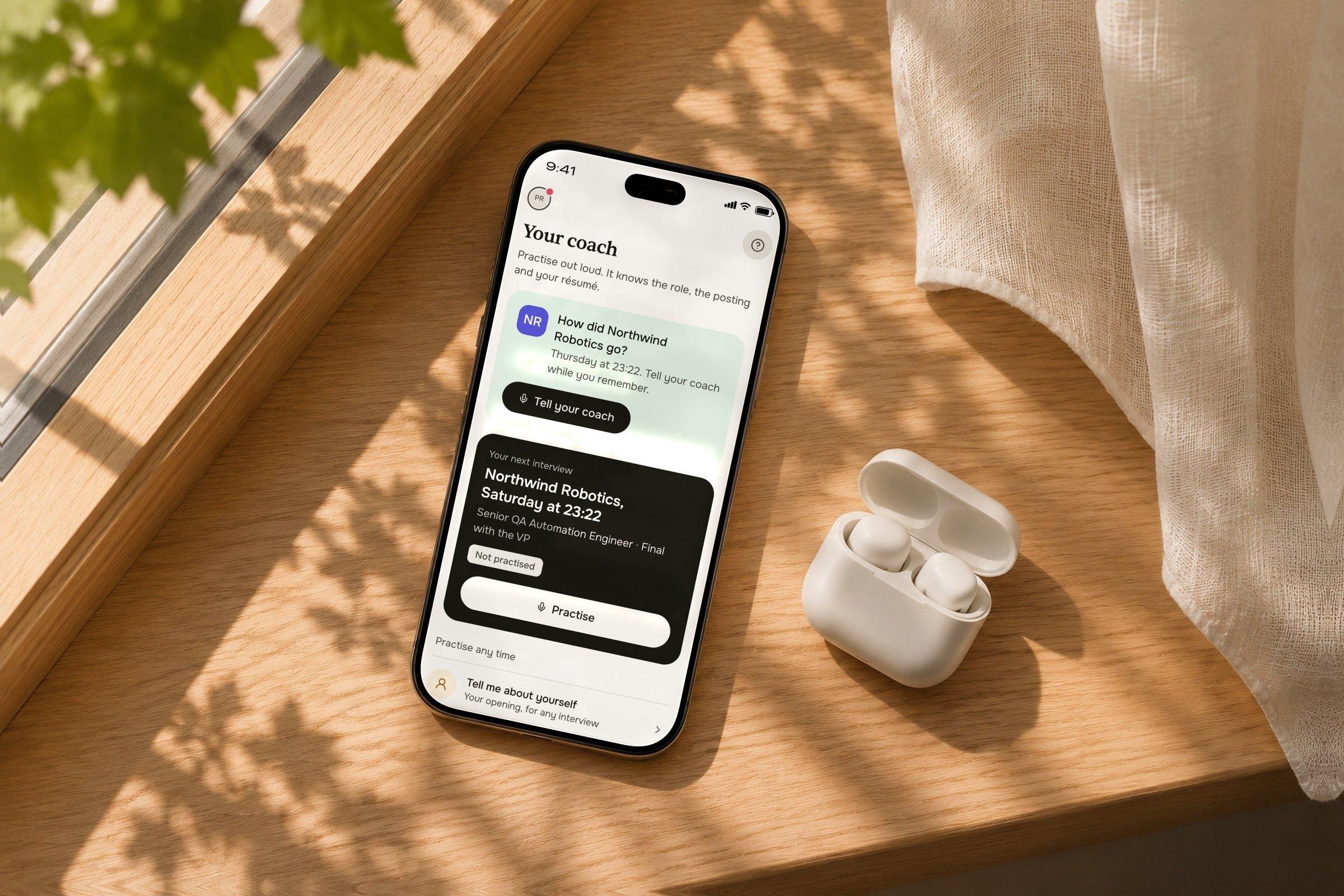
The coach on an iPhone lying on a sunlit window sill, earbuds beside it
The practise screen on a phone held in both hands, a fern garden behind
07

Less work between you and your next role

Interviews, reminders, the people you've spoken to, offers to compare. Most of us keep that across Docs, Notion and a calendar, copying the same details back and forth. Calwyn keeps it together.
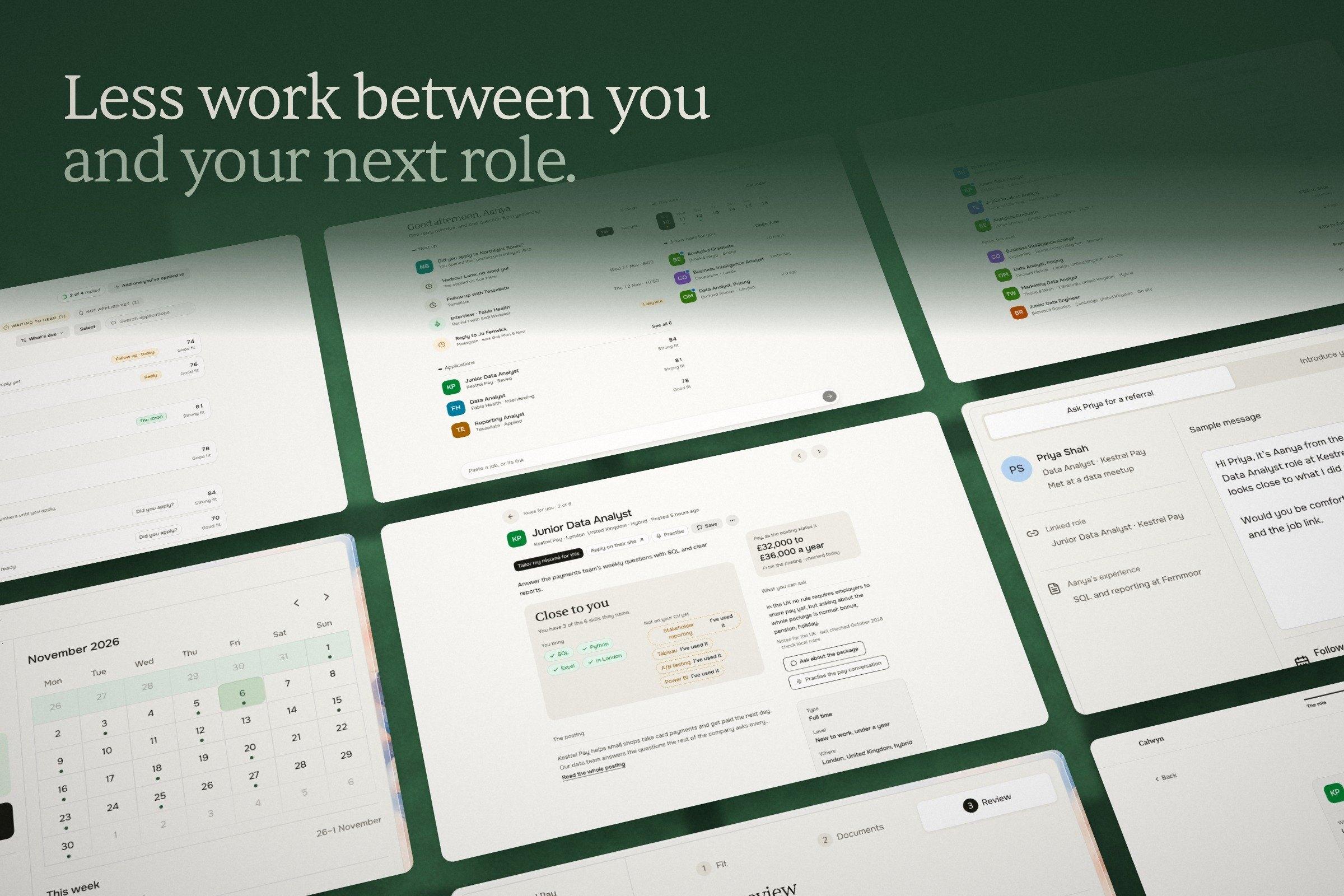
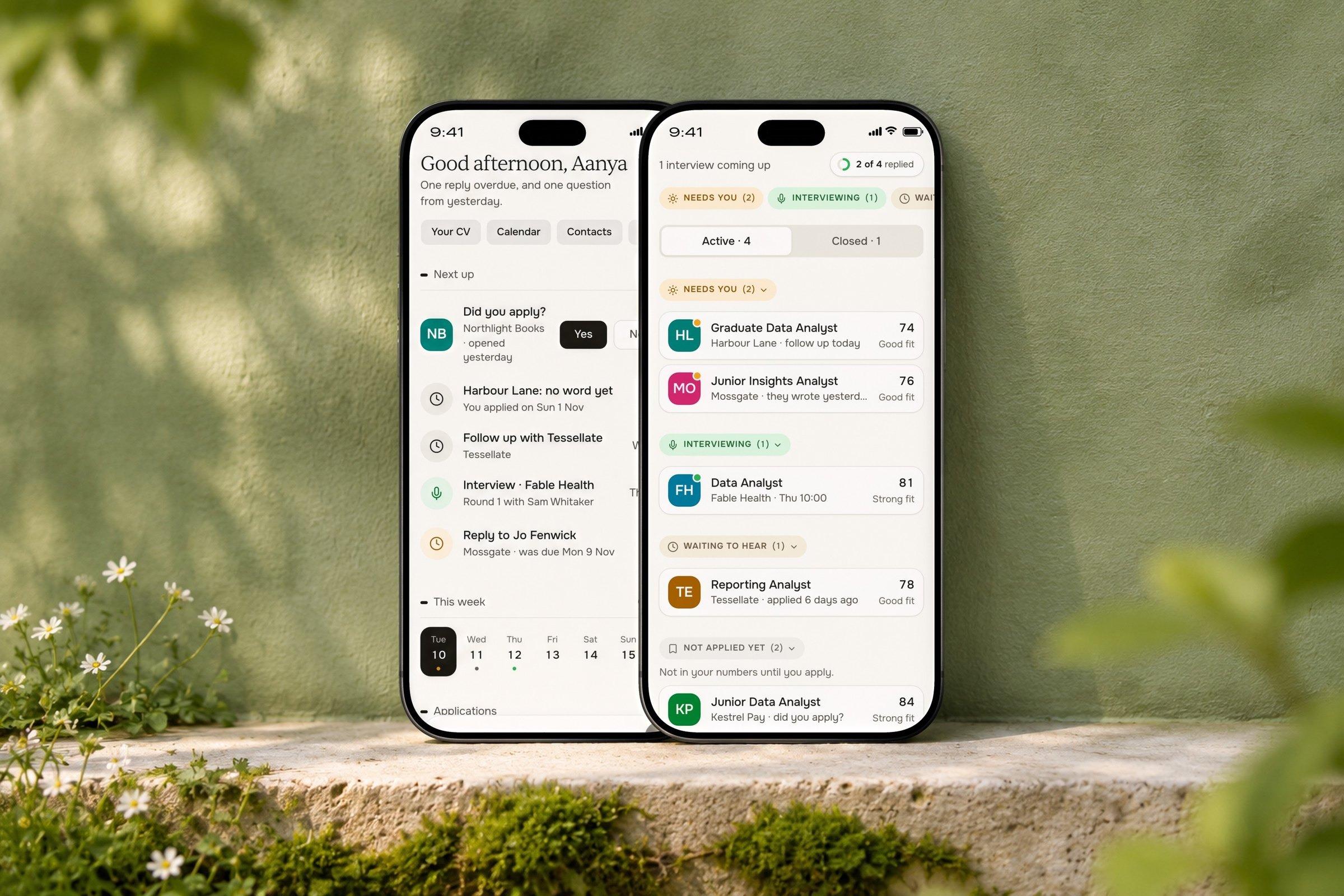
A tilted wall of real Calwyn screens under one line: Less work between you and your next role
Home and the tracker on two iPhones standing on a mossy limestone ledge
08

A page that's yours

Turn your CV into a public page with one link to share. Choose how it looks, decide whether people can download your CV, and take it down whenever you want.
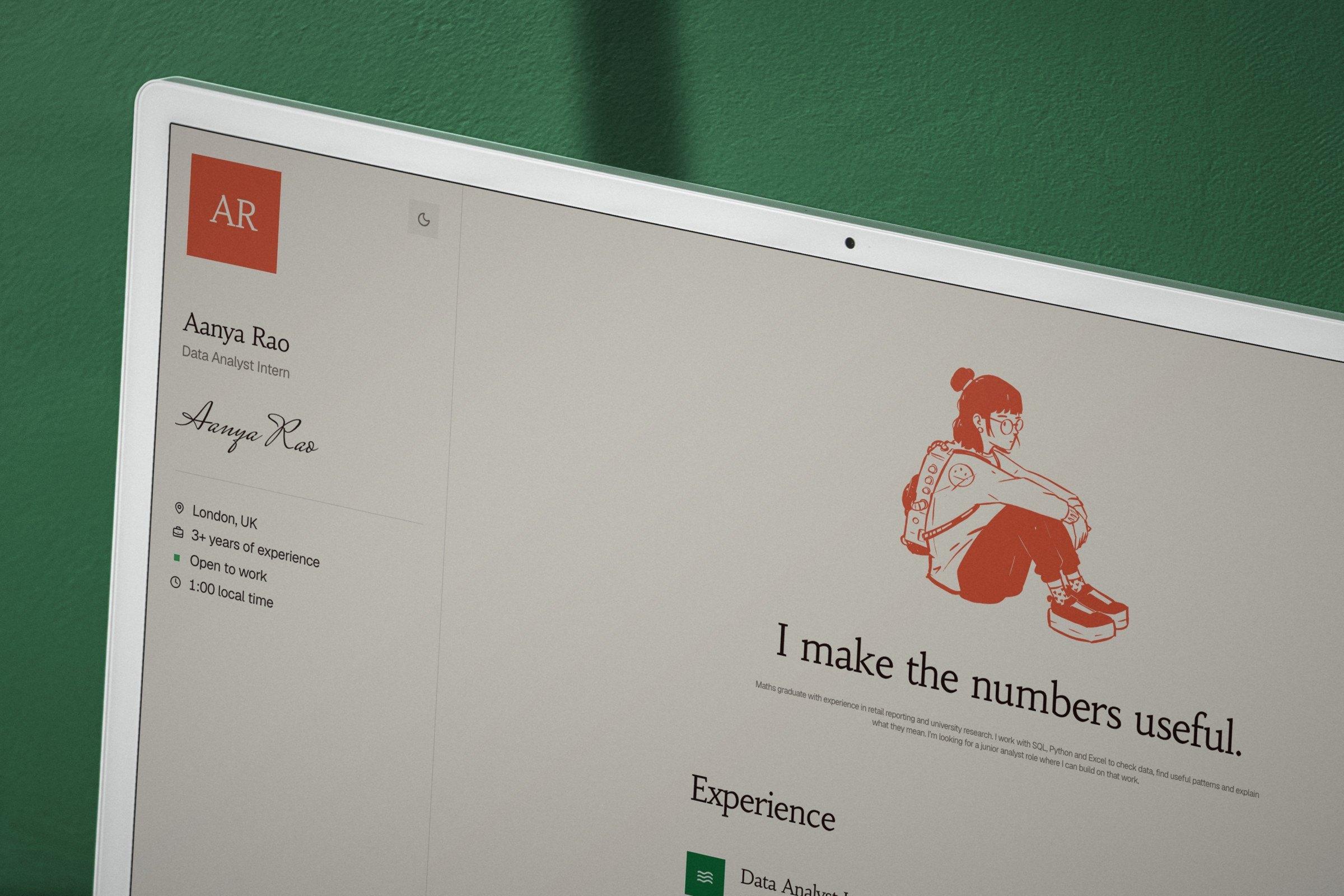
A close view of a white iMac on a green wall, Aanya's portfolio page on screen: "I make the numbers useful."
09

In their own words

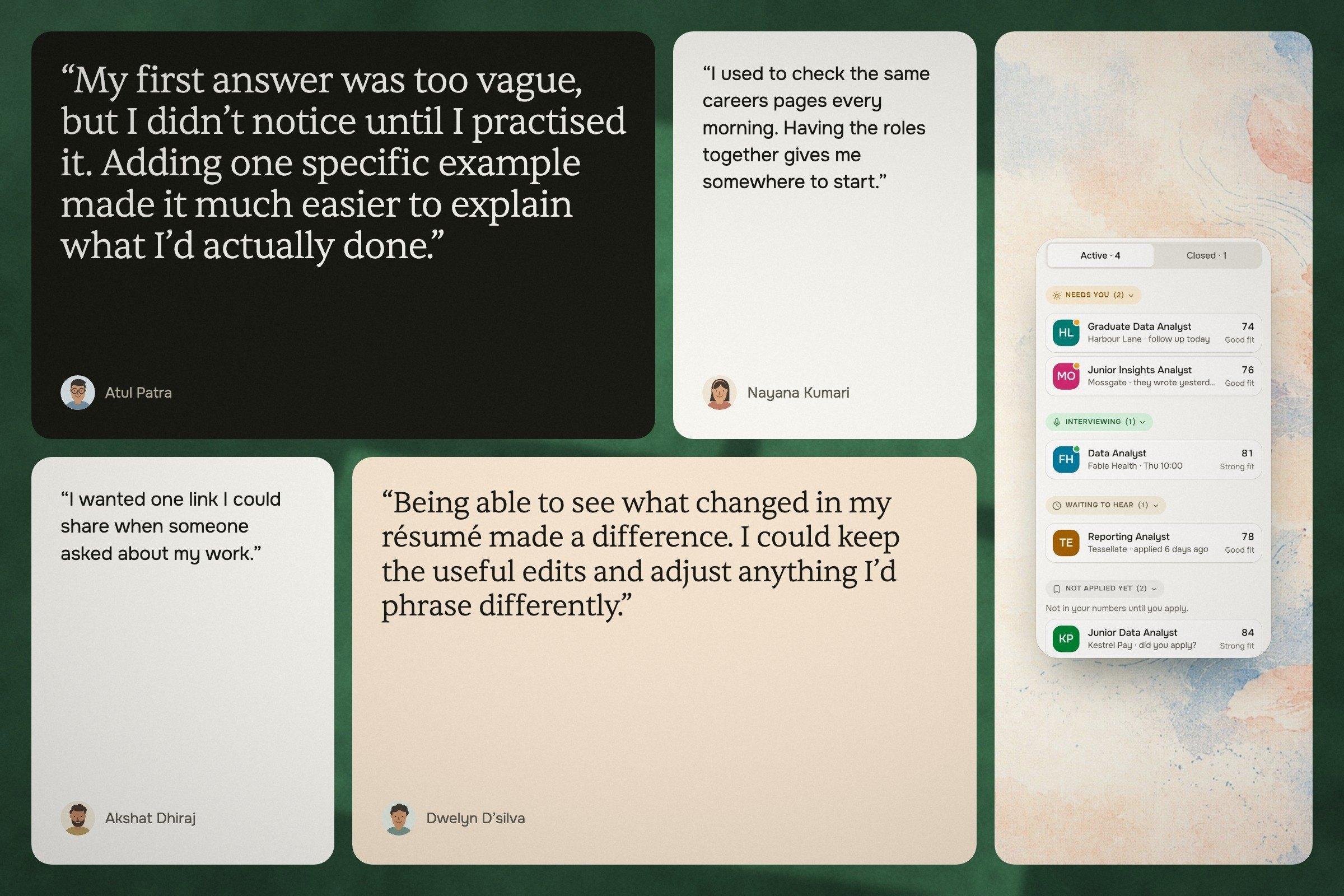
Calwyn has real people using it, and the feedback is mostly about small things that add up. Atul put it best: his first interview answer was too vague, and he didn't notice until he practised it out loud.
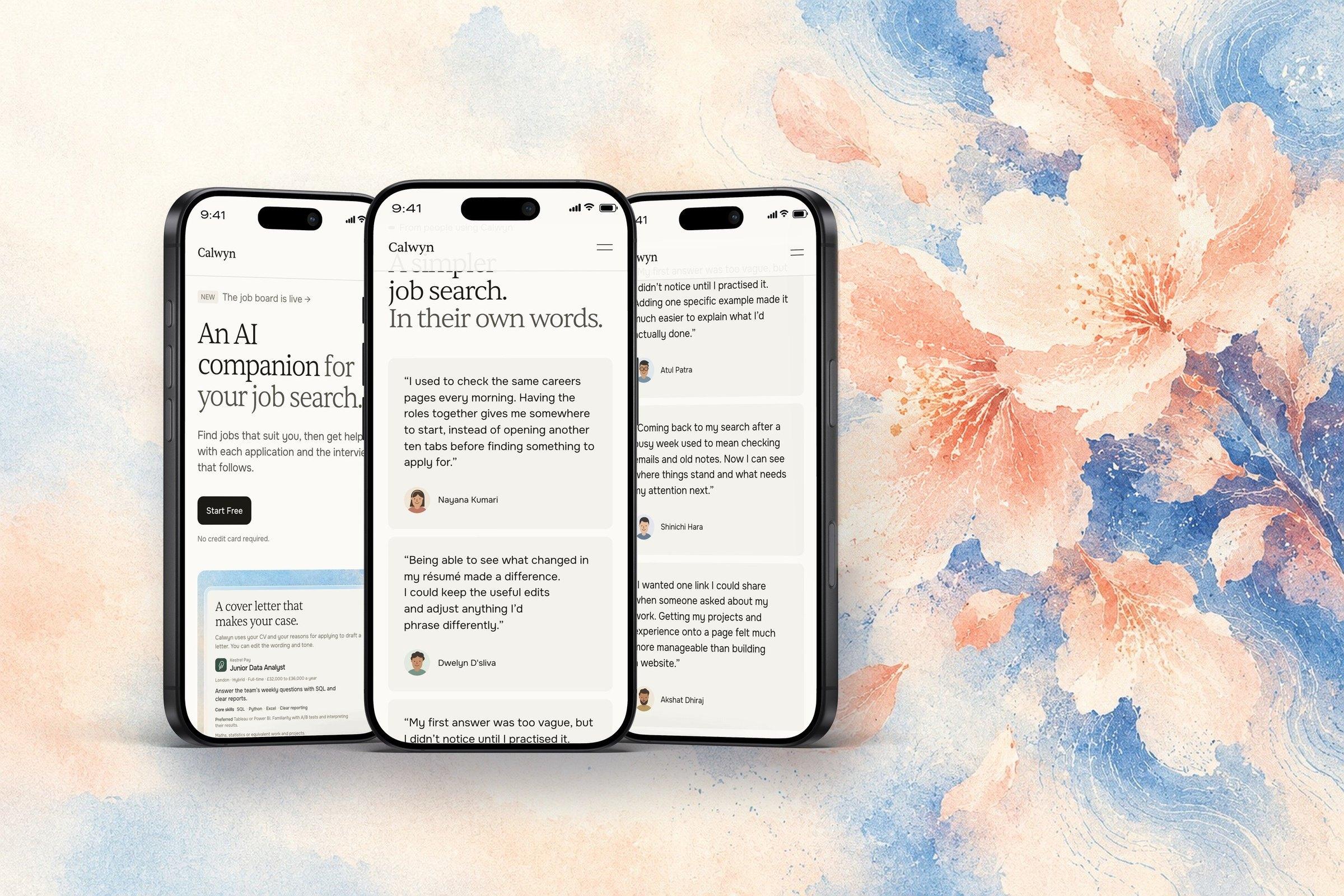
Three iPhones showing Calwyn's homepage and people's quotes, standing over one of Calwyn's watercolour paintings
Bento: four short quotes from people using Calwyn beside the application tracker on a painted background

Brand

The Calwyn wordmark and its tagline over a painted sky of blue and peach, with grasses and flowers below
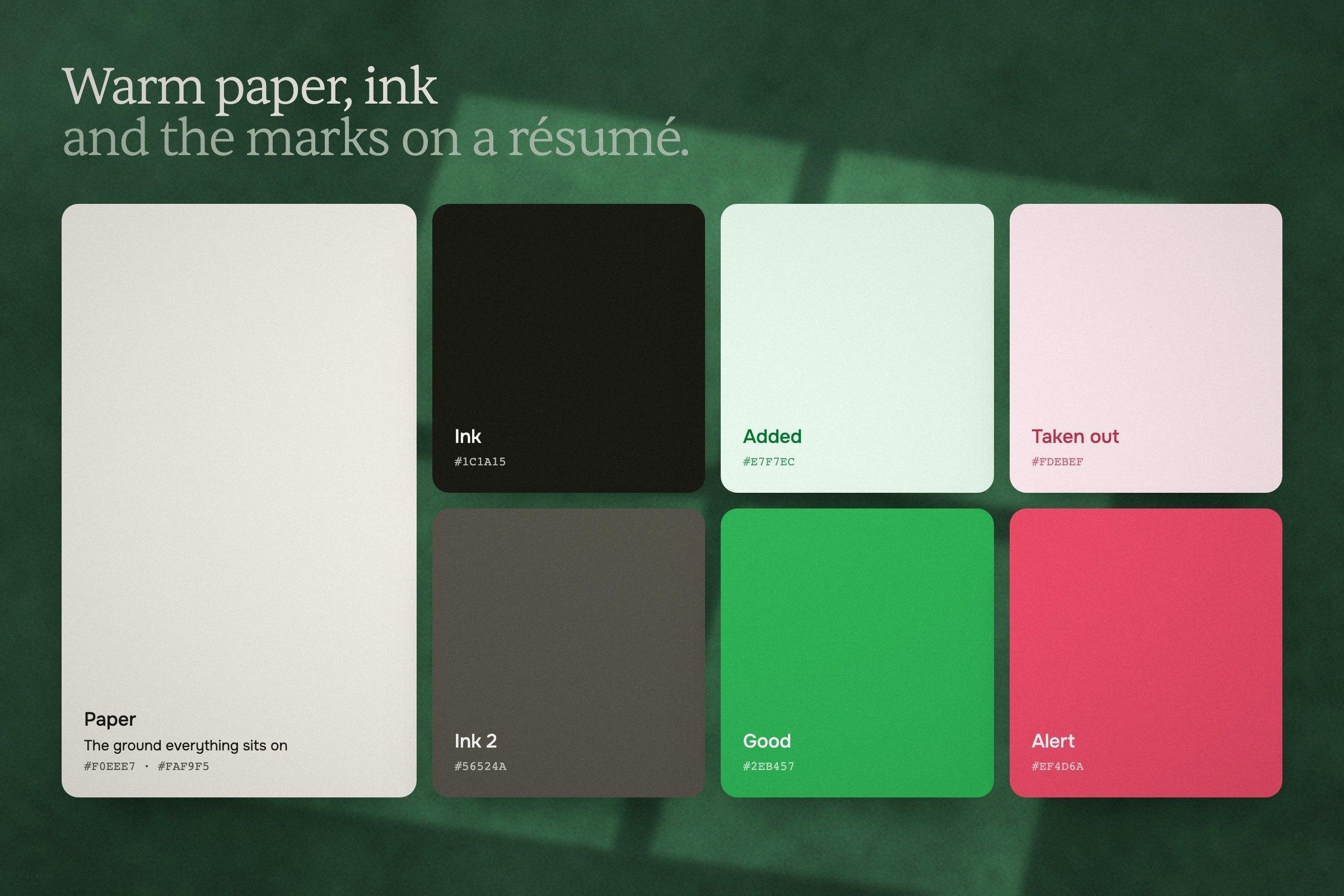
Warm paper, ink and the marks on a résumé: Calwyn's colour swatches named and numbered on green
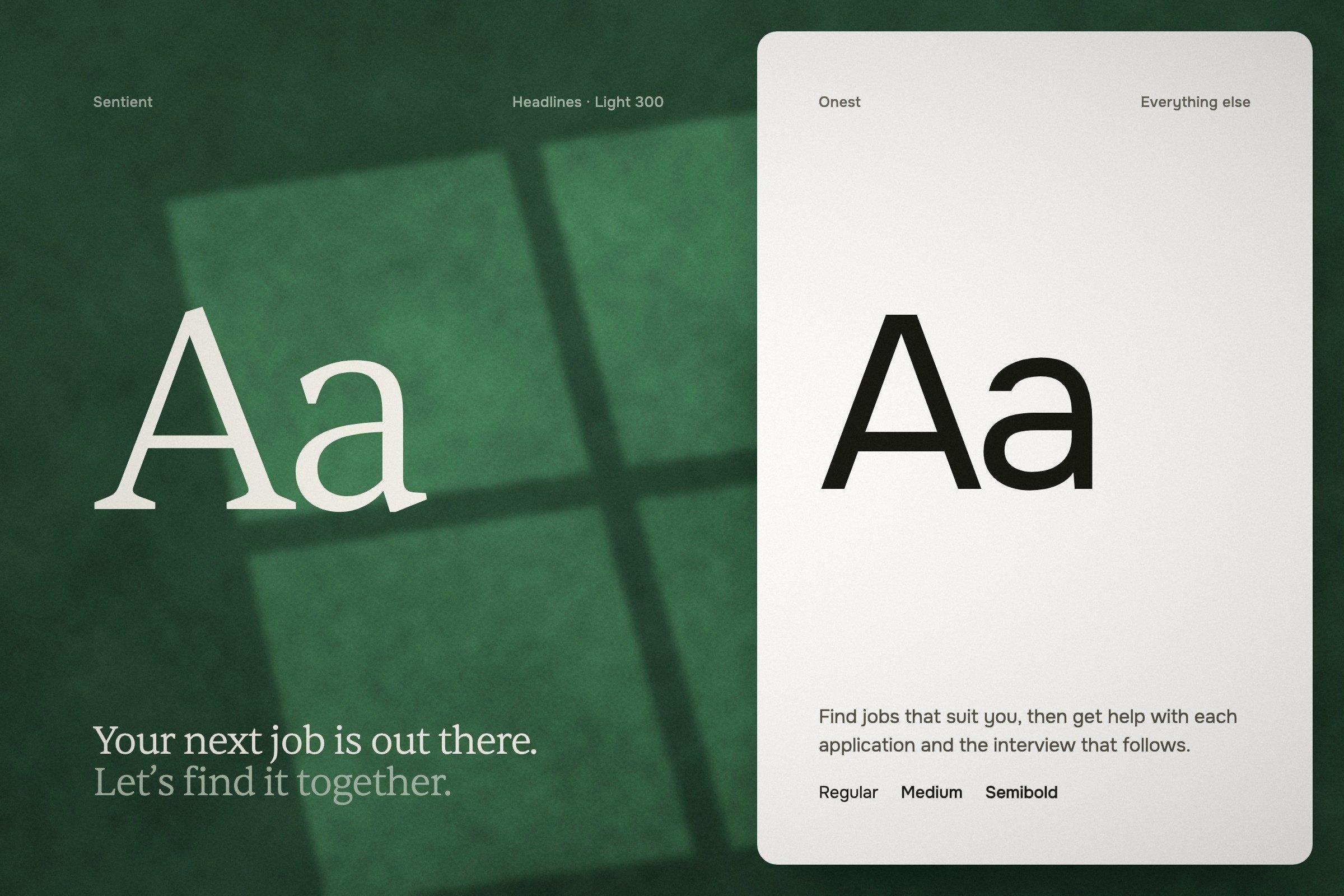
Sentient for headlines and Onest for everything else, set large as two Aa specimens on green
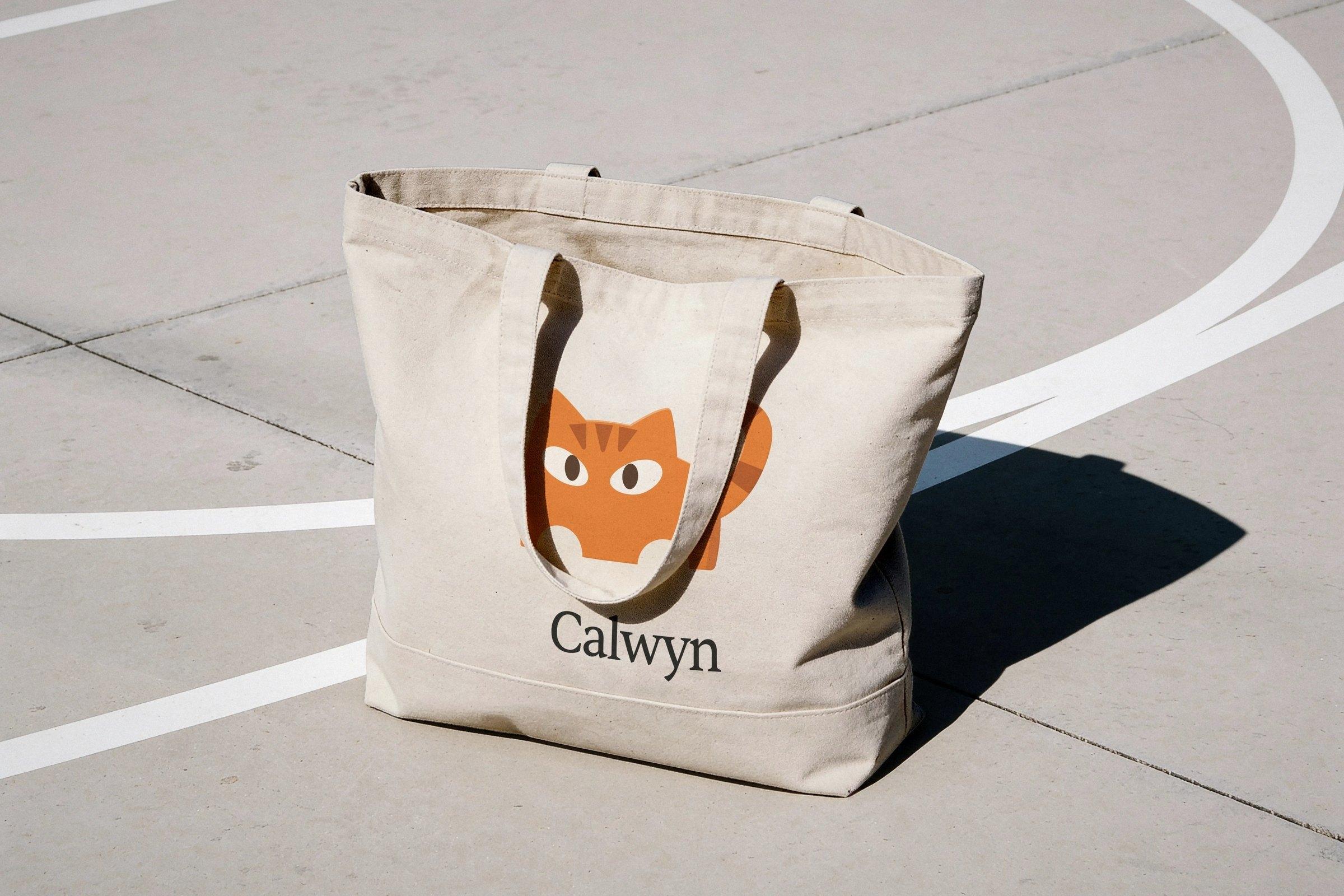
Calwyn's orange cat mark and wordmark on a canvas tote bag standing on a sunlit court
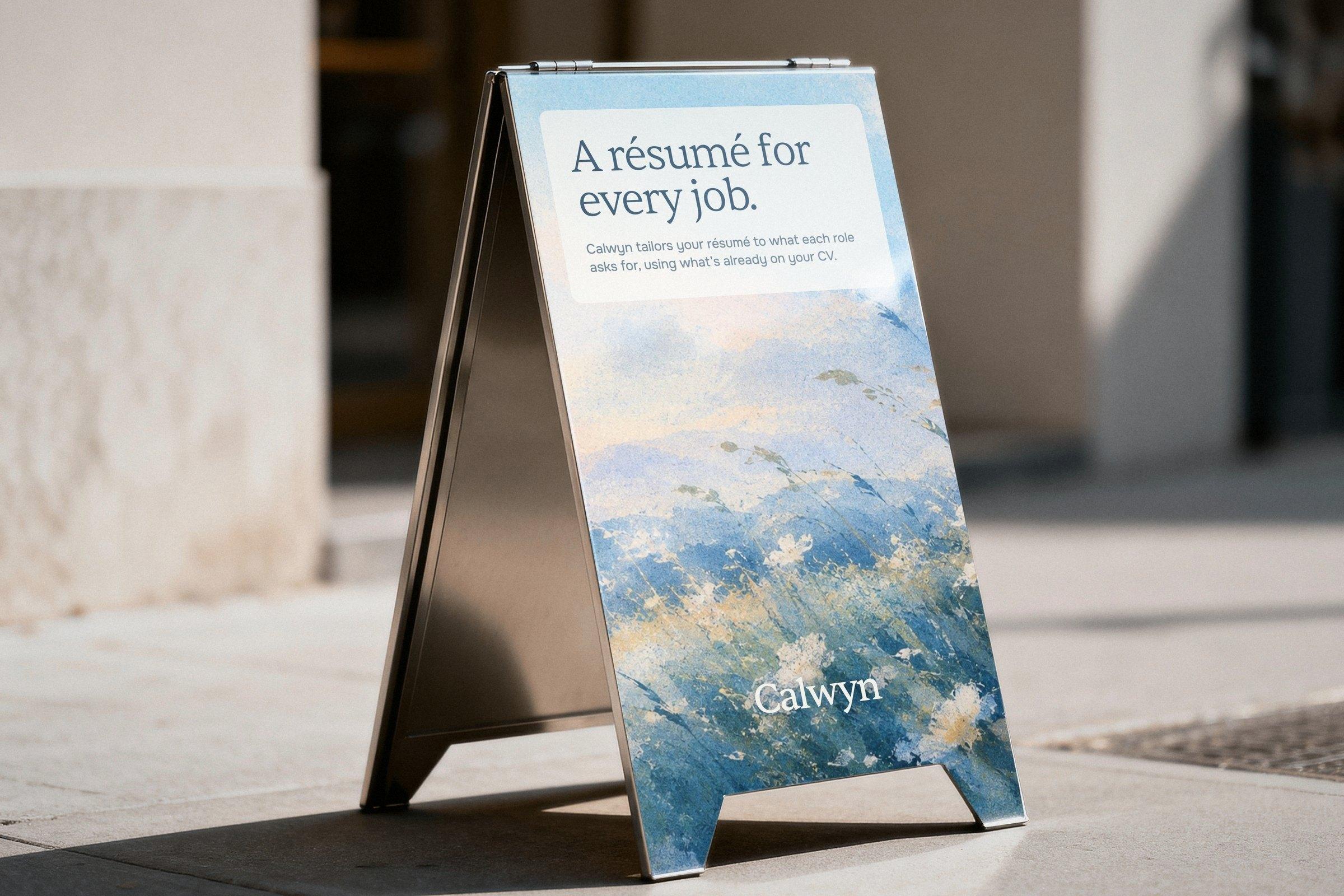
A street A-frame sign in sun, "A résumé for every job." over a painted blue meadow with the Calwyn name
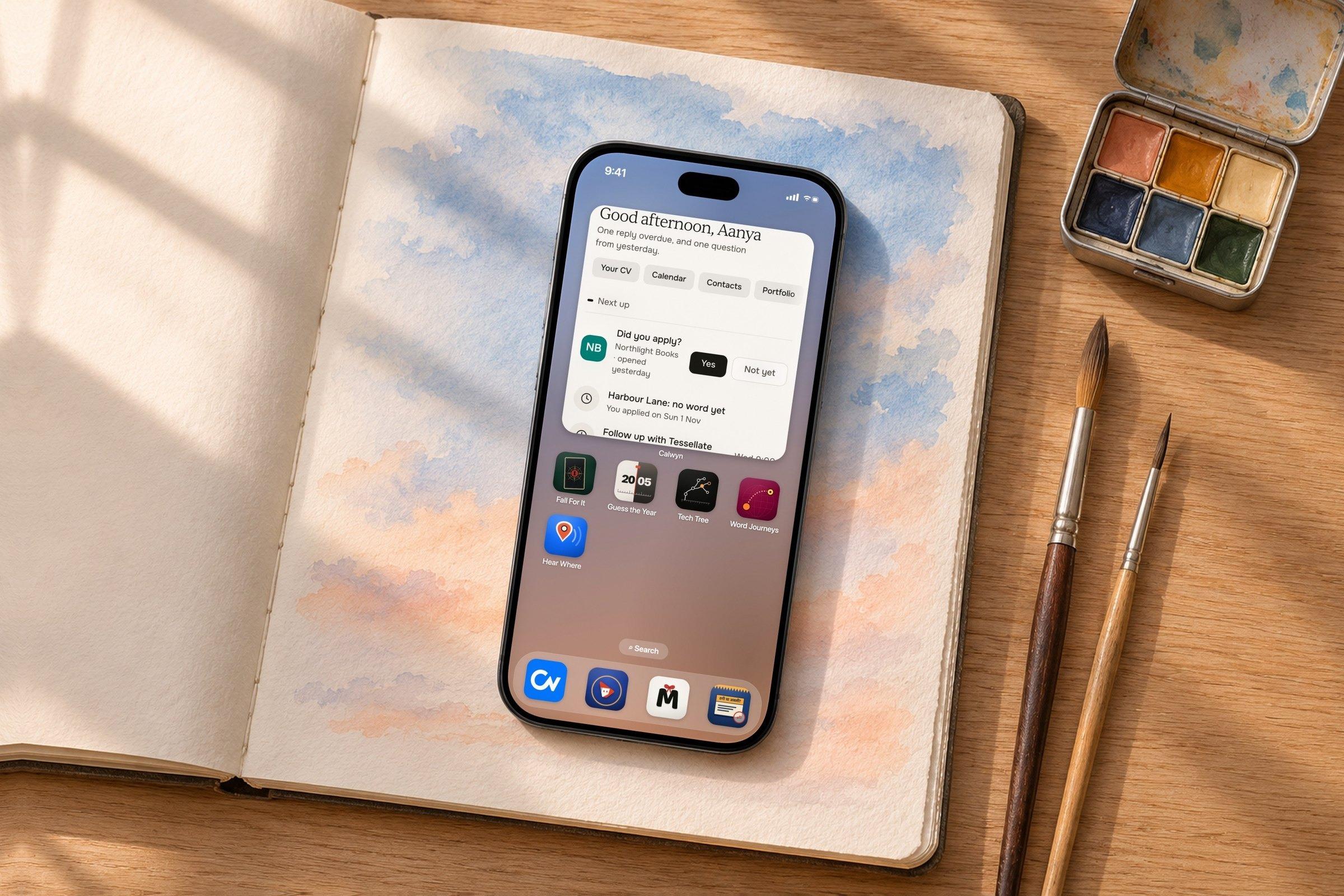
Calwyn's icon in the dock of a home screen, the phone on an open watercolour sketchbook

Next projectDouble ParkedA browser game about texting while driving

Like what you see?

I'm available now.

Download CV
  • LinkedIn
  • X
  • GitHub
All workAbout me

That's everything.

Made with my crew. Thanks for scrolling all the way down.


© 2026 Shivam Singh